

I’m sorry Dave, but I’m afraid I can’t let you do that.
-HAL 9000
Welcome back to erikmakesthings, where we dive into DIY tech projects that blur the line between “wow that’s genius” and “should this be allowed?”. Today we’re building a custom AI assistant using Ollama and Home Assistant. Because sure, Siri and Alexa exist, but where’s the fun in that?
The Foundation: Ollama
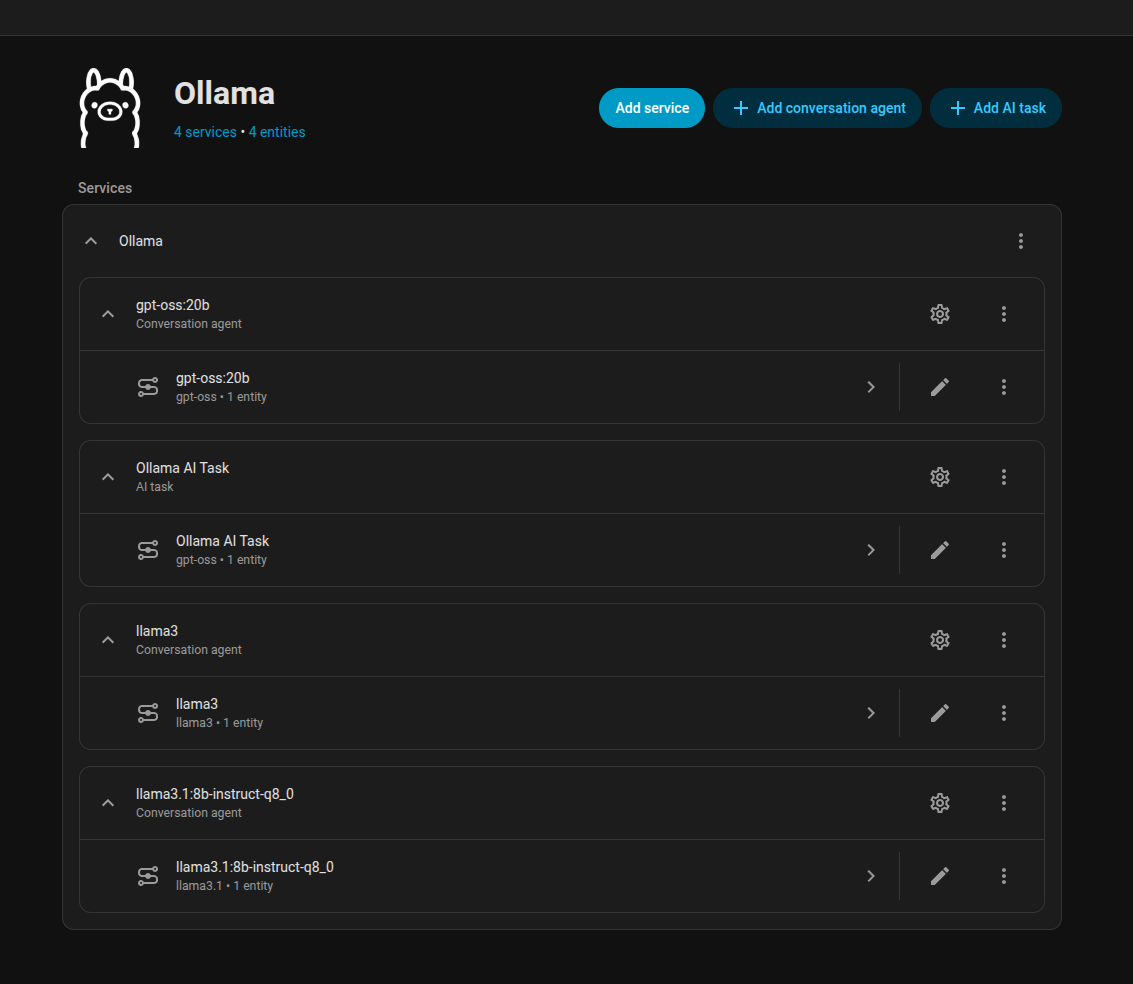
We’re starting with Ollama, a large language model built on the Transformer architecture. It eats text, spits out answers, and occasionally throws in better jokes than your friends. I’m running llama3.1:8b-instruct-q8_0, a conversational variant with around eight billion parameters. To put that in perspective, that’s over sixty times the number of transistors in a 2004 Pentium 4 CPU. Back then, you’d need racks of servers to even get close to this kind of horsepower. Now I can run it on my Nvidia A2000 and have it just sit around waiting for me to say, “Hey Mochi.”
Wake Word Training: Teaching the Parrot
Next came the wake word. I wanted Mochi to perk up when I said, well, “Hey Mochi.” Home Assistant’s Wake Word Training tool makes this possible by chewing through audio samples and teaching a model to pick out that specific phrase. Under the hood it’s a mix of convolutional neural networks pulling features from the sound and recurrent neural networks recognizing the patterns. It’s a bit like training a parrot, except the parrot is powered by math instead of sunflower seeds, and it never gets bored of repeating the same phrase back to you.
Tool: https://colab.research.google.com/drive/1q1oe2zOyZp7UsB3jJiQ1IFn8z5YfjwEb?usp=sharing#scrollTo=1cbqBebHXjFD
Building the Containers: Docker-nado
With the model sorted out, I needed to containerize the pieces. Docker Compose to the rescue. I spun up three containers: Piper for text-to-speech, Whisper for speech-to-text, and OpenWakeWord for, well, the wake word. Each one is designed to do its own job, but when you wire them all together, suddenly you’ve got an actual conversation pipeline. It’s a bit like putting a band together. Individually they’re fine, but together it actually sounds like music. Except here, the instruments are YAML configs and TCP sockets.
Here’s the Docker Compose file:
services:
  wyoming-piper:
    image: rhasspy/wyoming-piper:latest
    container_name: wyoming-piper
    command: >
      --voice en_US-lessac-low
      --uri tcp://0.0.0.0:10200
      --data-dir /data
      --download-dir /data
      --length-scale 0.9
    volumes:
      - ./piper-data:/data
    ports:
      - "10200:10200"
    restart: unless-stopped

  wyoming-whisper:
    image: rhasspy/wyoming-whisper:latest
    container_name: wyoming-whisper
    command: >
      --uri tcp://0.0.0.0:10300
      --model small-int8
      --language en
      --download-dir /data
    environment:
      - HF_HUB_CACHE=/data/hf-cache
    volumes:
      - ./whisper-data:/data
    ports:
      - "10300:10300"
    restart: unless-stopped

  openwakeword:
    image: rhasspy/wyoming-openwakeword:latest
    container_name: wyoming-openwakeword
    command: >
      --uri tcp://0.0.0.0:10400
      --custom-model-dir /custom
      --preload-model ok_nabu
      --preload-model hey_mo_chee
    volumes:
      - ./openwakeword-data:/custom
    ports:
      - "10400:10400"
restart: unless-stoppedConfiguring Home Assistant: The AI Overlord
Once the containers were humming along, it was time to bring them under Home Assistant’s control. This is where all the parts stop being cool toys on their own and start acting like an actual assistant.
The speech-to-text (STT) engine listens to whatever I say and translates it into raw text. Basically, it’s the ear of the system. Whisper handles this job, turning “Hey Mochi, turn on the lights” into plain text that the assistant can understand.
The text-to-speech (TTS) engine is the voice on the other end. Piper takes the AI’s response and synthesizes speech so Mochi can talk back. Without it, I’d just be staring at terminal logs, which is fun for me but not exactly living-room-friendly.
The wake word model is the gatekeeper. It sits there quietly until it hears “Hey Mochi,” and only then does it wake the rest of the pipeline. Without it, I’d either need to press a button like it’s 1995 voice dictation software, or leave the system constantly listening (creepy).
And finally, the conversation agent is where the large language model comes in. This is the brain of the operation. It takes the transcribed text from STT, decides what that means, and formulates a response. That response then gets pushed through TTS so Mochi can answer back. In other words: STT is the ears, TTS is the mouth, the wake word is the doorbell, and the LLM is the brain making sense of it all. The end result still feels a little like duct-taping a robot together, but somehow it works — and that’s the beauty of Home Assistant.

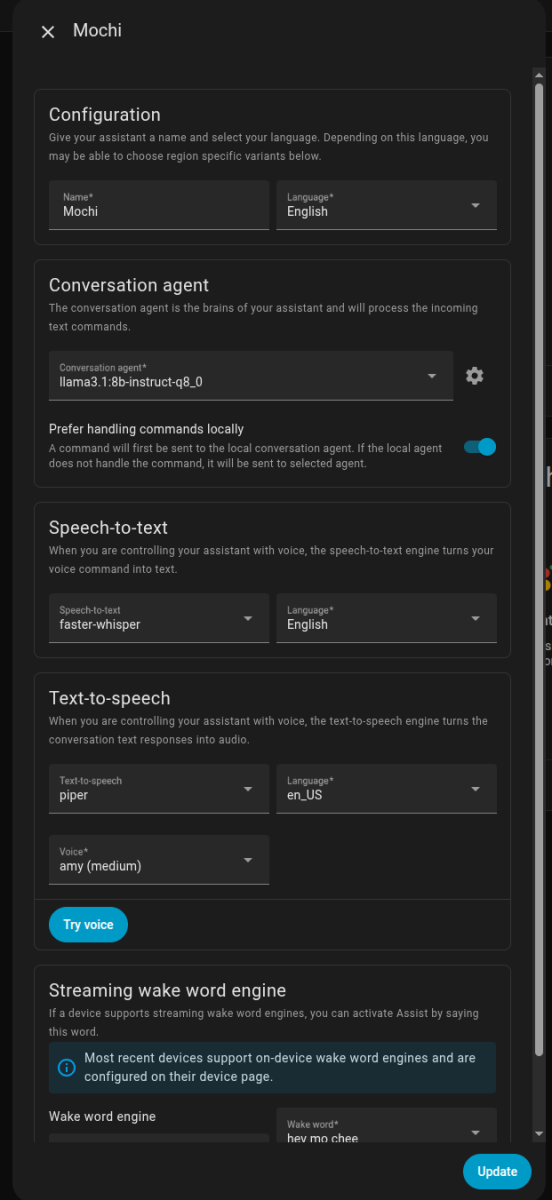
Testing the Wake Word: Here’s the Catch
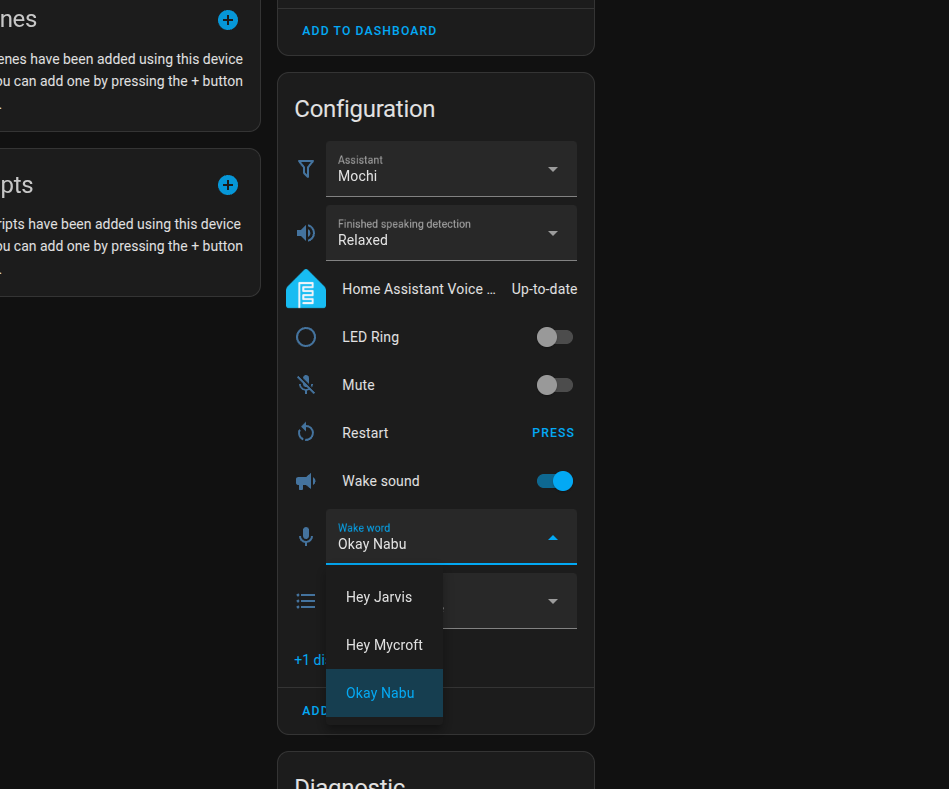
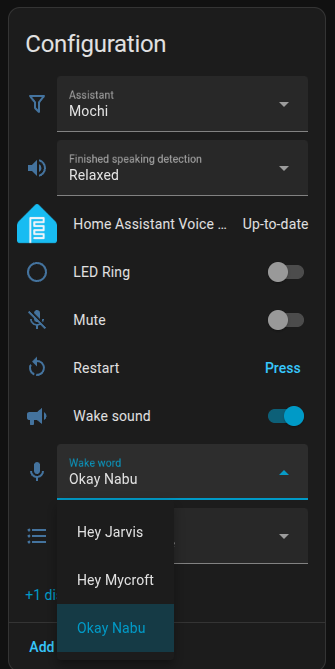
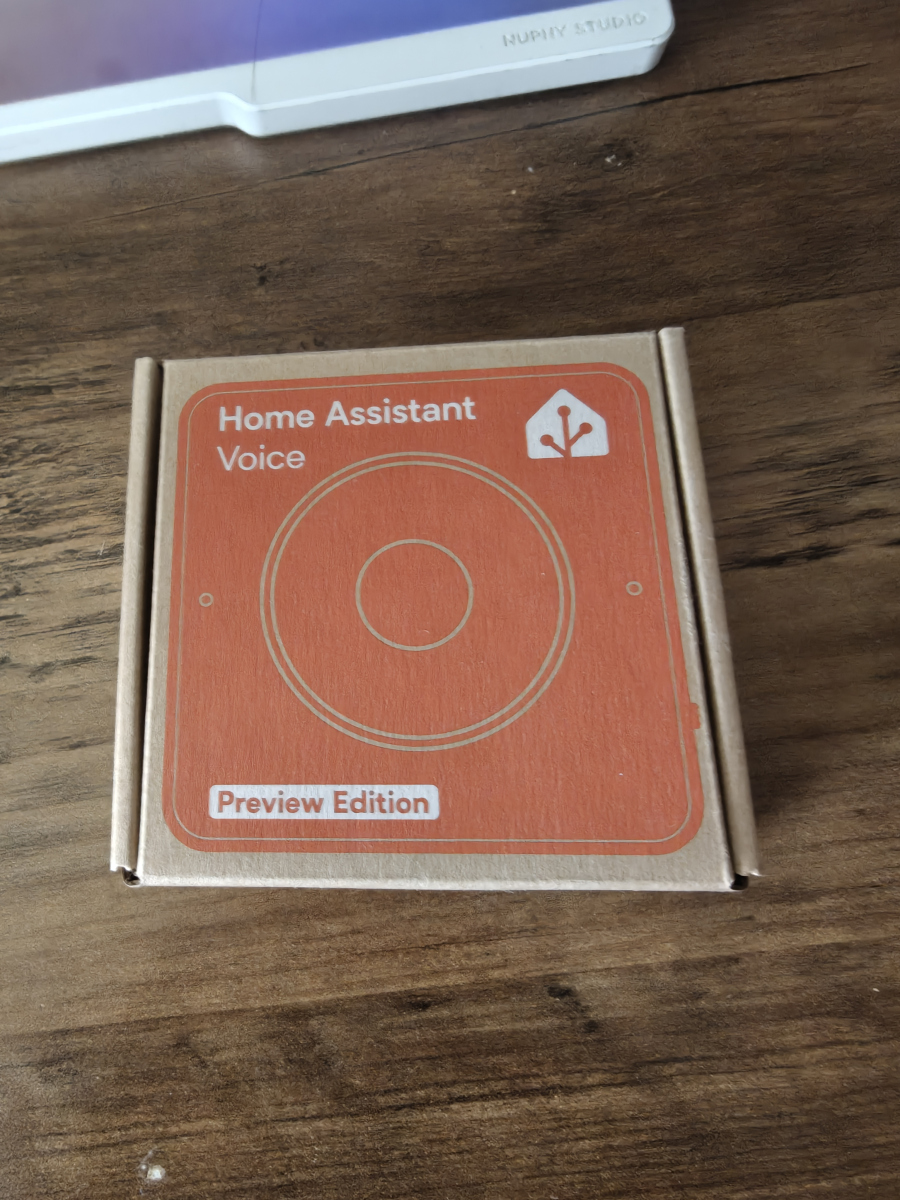
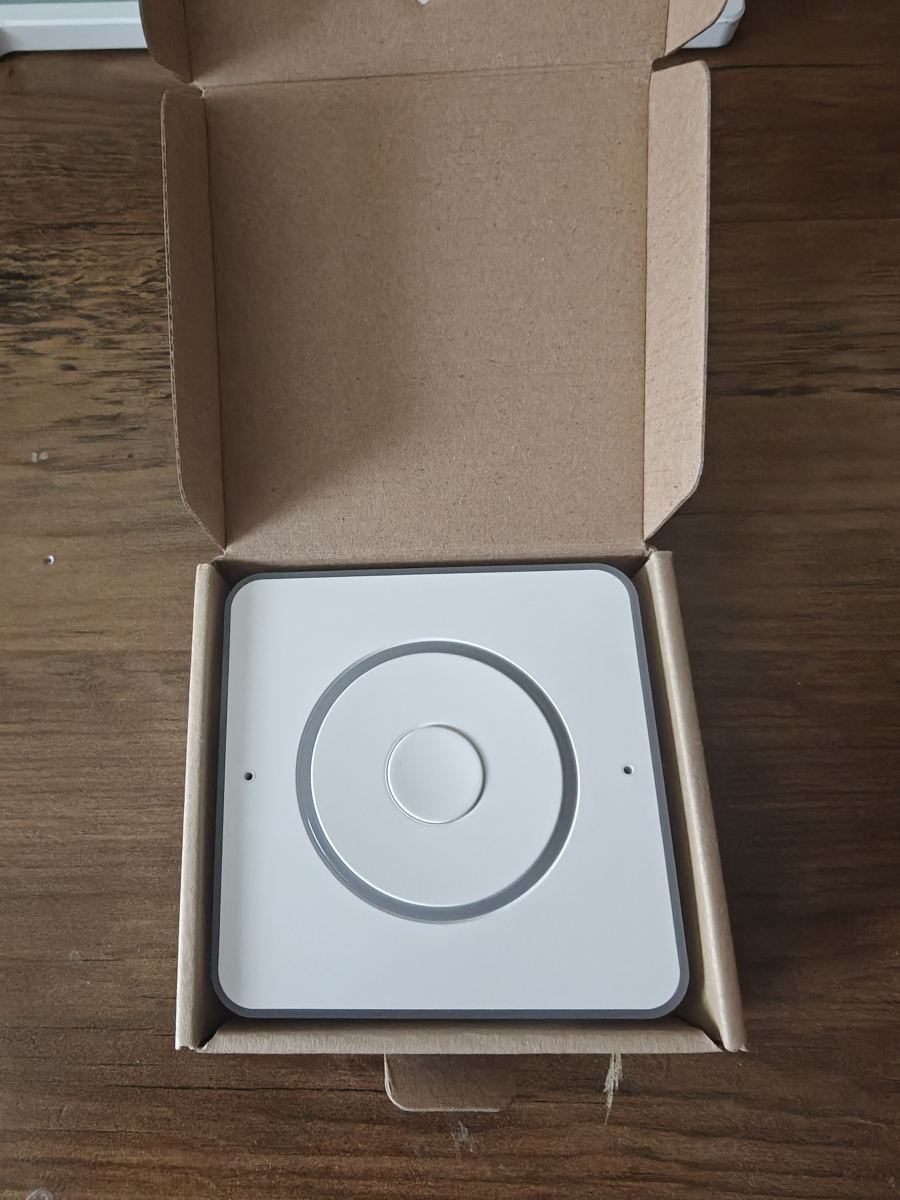
With everything configured, I tried it out on an ESPHome device tied into my shiny new Nabu Casa voice preview. I had the assistant’s wake word set to “Hey Mochi,” but it turns out the device itself only recognizes the baked-in defaults. No love for Mochi just yet. On the plus side, the device has updated three times in the week I’ve owned it, and the devs have already said they’ll likely be adding custom wake word support. So instead of risking my sanity (and my hardware) flashing experimental firmware at 2 a.m., I’m just going to wait this one out. Sometimes patience is the smarter hack.
Switching to Mochi: The AI Uprising
Finally, it’s time to switch to our custom AI assistant and see how it performs. Imagine you’re talking to a robot who understands your every command… or doesn’t understand anything at all. I’m giving Mochi some test commands, and so far, it’s been doing surprisingly well (considering I just made it up from scratch). That’s it for today’s project! We’ve built our very own custom AI assistant using Ollama and Home Assistant. It’s been a wild ride, but we made it through together.
P.S.
And here’s the kicker: this whole article was written by my local LLM. I tossed it some notes, gave it a crash course in my writing style, and let it go to town. So yeah… Mochi just helped write its own origin story. If that’s not dangerously close to Skynet, I don’t know what is.
P.S.S
It wrote the P.S. too.